Skip to content
your personal agent OS

build the agent only_you_need

A local-first desktop workspace for macOS, Linux, and Windows — bringing coding agents, tools, memory, apps together as your work changes.

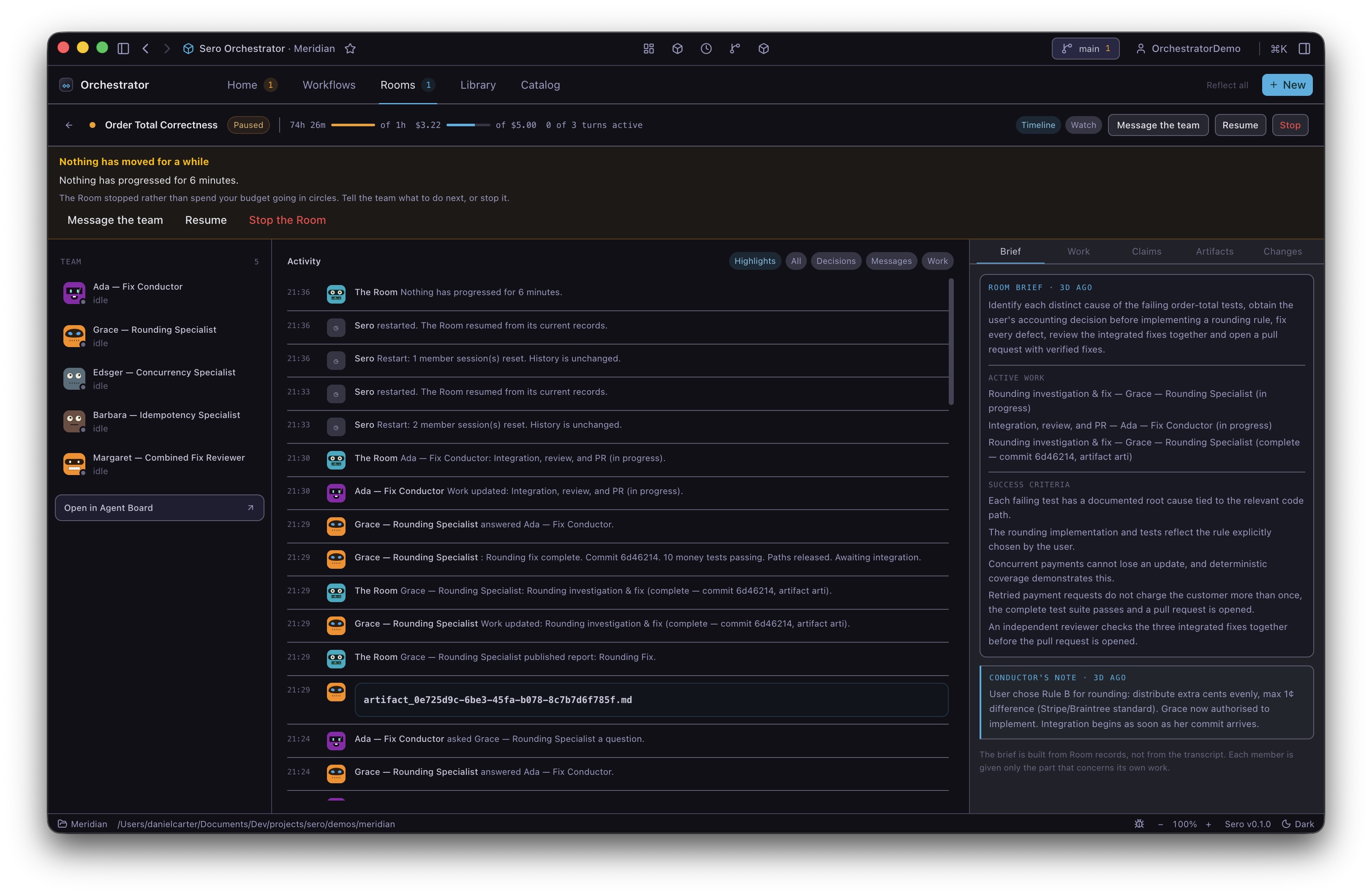
Sero workspace with the agent chat panel on the right showing a multi-step plan to scaffold a landing page.
§ 01 the_pain

Most AI tools don't know your project.

They run in a separate tab, start fresh every session, and need you to explain yourself from scratch. You end up bridging the gap manually — copying context, switching windows, repeating yourself.

→ Sero puts the agent inside your workspace, where it can see your files, run tools, and remember what matters.

§ 02 self_extension_loop

Need something Sero doesn't do yet? You can add it.

// Ask. Build a plugin. Use it straight away.

01
Ask · chat → describe the capability

Tell Sero what you need: “I want a weekly planner for this project.”

02
Build · plugins/weekly-planner/{manifest, tool.ts, App.tsx}

Sero helps you scaffold a plugin — a manifest, some tools, and optionally a UI panel.

03
Activate · Admin → Plugins → Local · status: live

Load it in Admin → Local Plugin Development. It’s live inside Sero immediately.

04
Use · sidebar.app: weekly-planner · tool: planner.add_task

The new tool, panel, command, or widget appears in the workspace.

05
Keep improving · diff: planner@0.2 → planner@0.3

Next week, ask Sero to extend it. The capability stays.

§ 03 what_can_it_become

build the agent you actually want.

--coding Coding partner

Repos, branches, diffs, reviews, tests, terminals, previews.

  • + Git plugin
  • + Subagents (scout, reviewer, test-writer)
  • + Local runtimes: Apple Container, Docker/Podman, or Host
example ask
> “Add a release-checklist app for this monorepo.”
--assistant Personal assistant

Reminders, recurring prompts, profiles, personal memory.

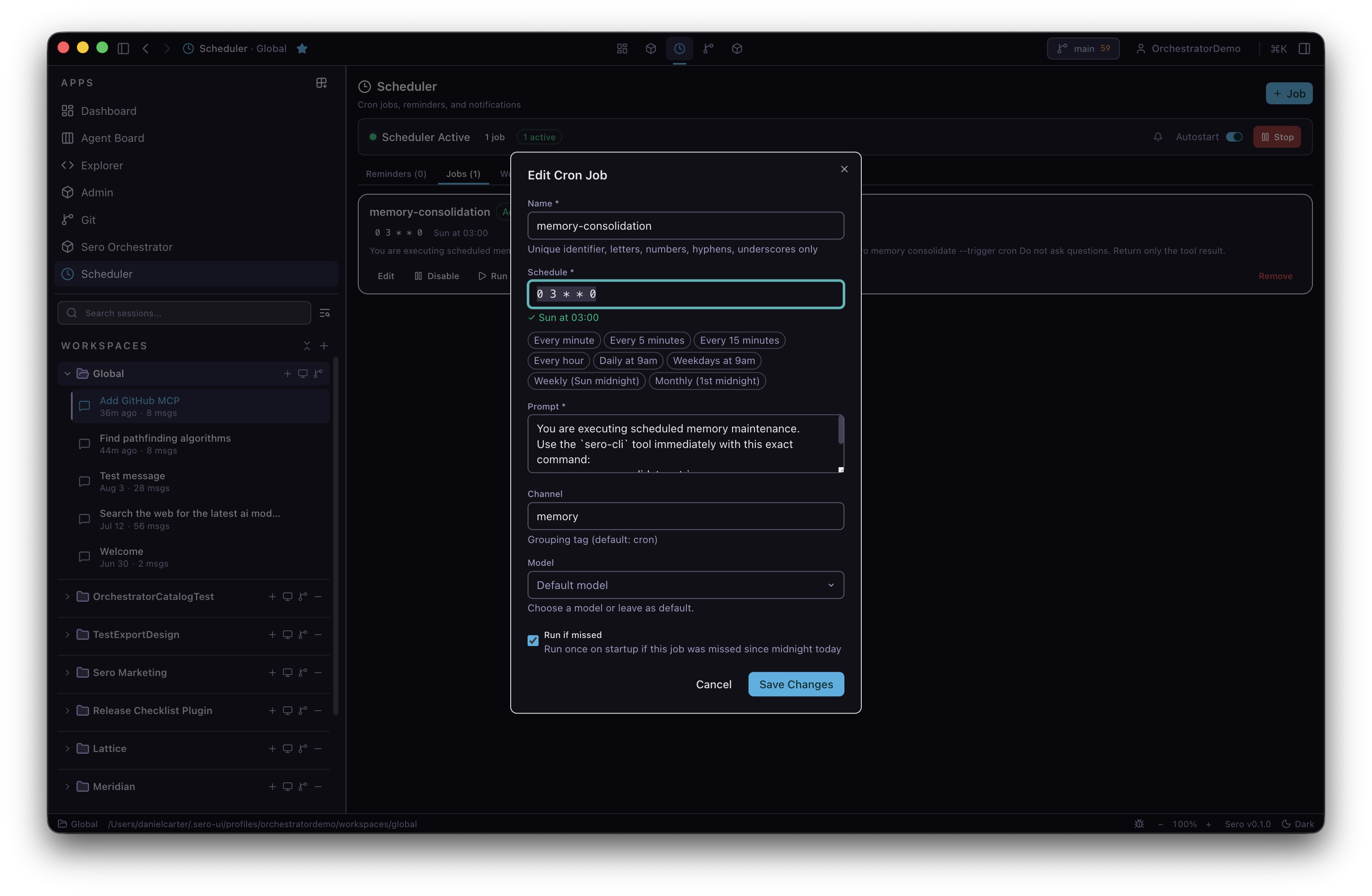
  • + Scheduler plugin
  • + Memory plugin
  • + Web plugin
example ask
> “Remind me each Friday to log expenses, then file them.”
--research Research desk

Search, sources, bookmarks, summaries, saved context.

  • + Web plugin
  • + MCP plugin
  • + Custom skills + agents
example ask
> “Build a paper-tracker plugin that watches arXiv categories.”
--ops Operations console

Dashboards, monitors, routines, external APIs, jobs.

  • + Plugin UIs + widgets
  • + Background runtimes
  • + Provider plugins
example ask
> “Make a deploy console that pings my staging cluster.”
§ 04 what_it_can_do

a few things worth knowing.

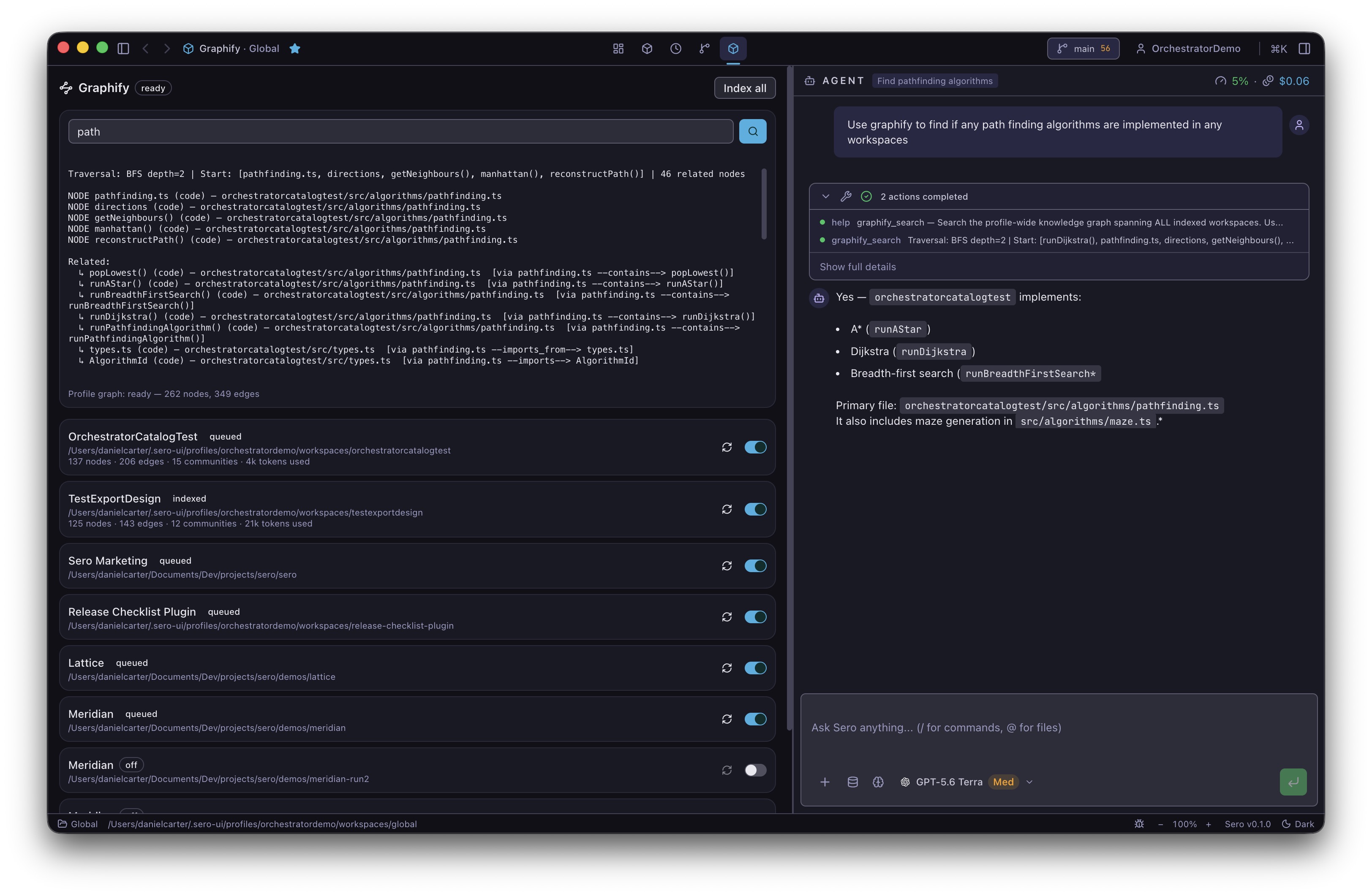
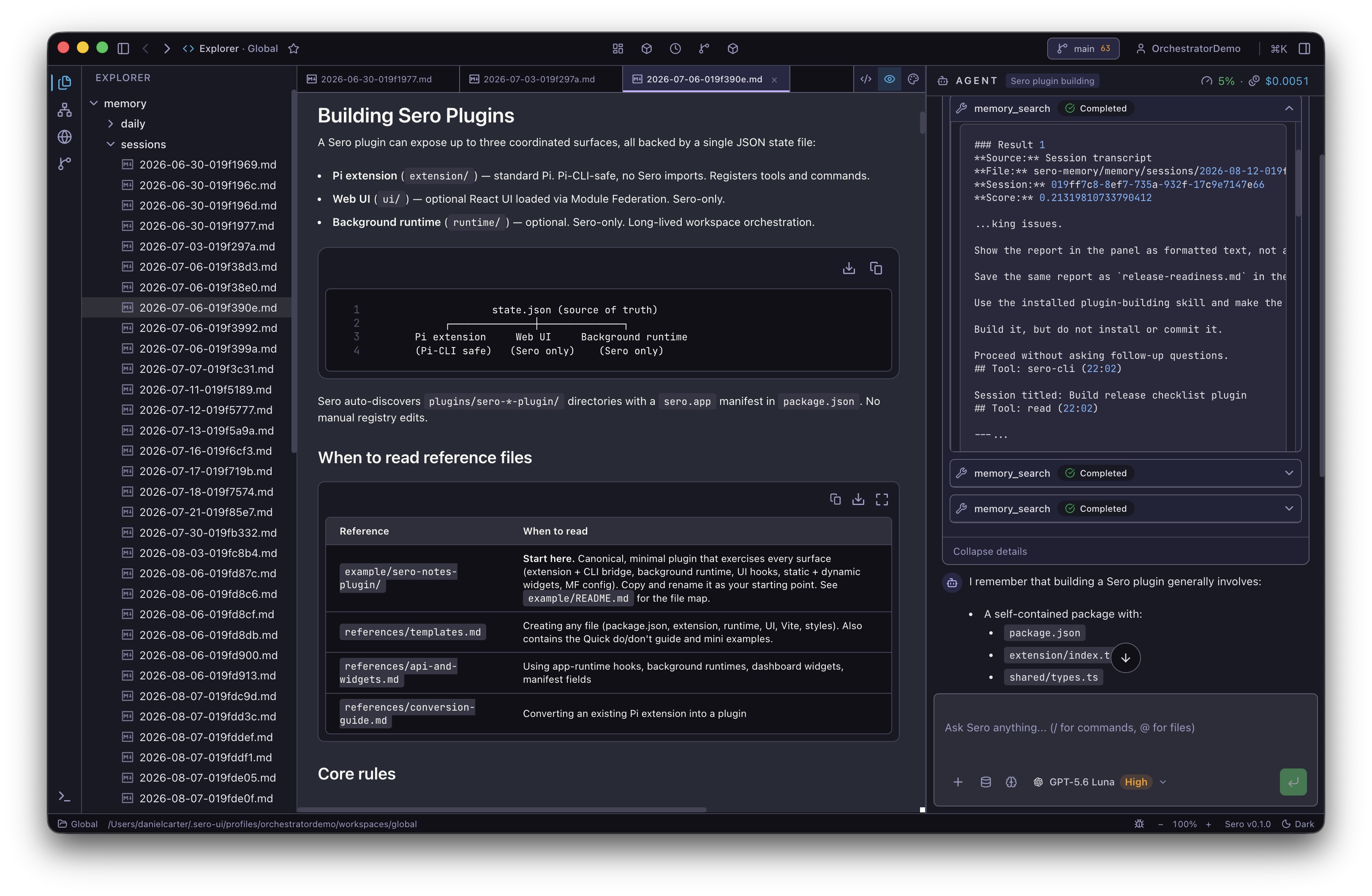
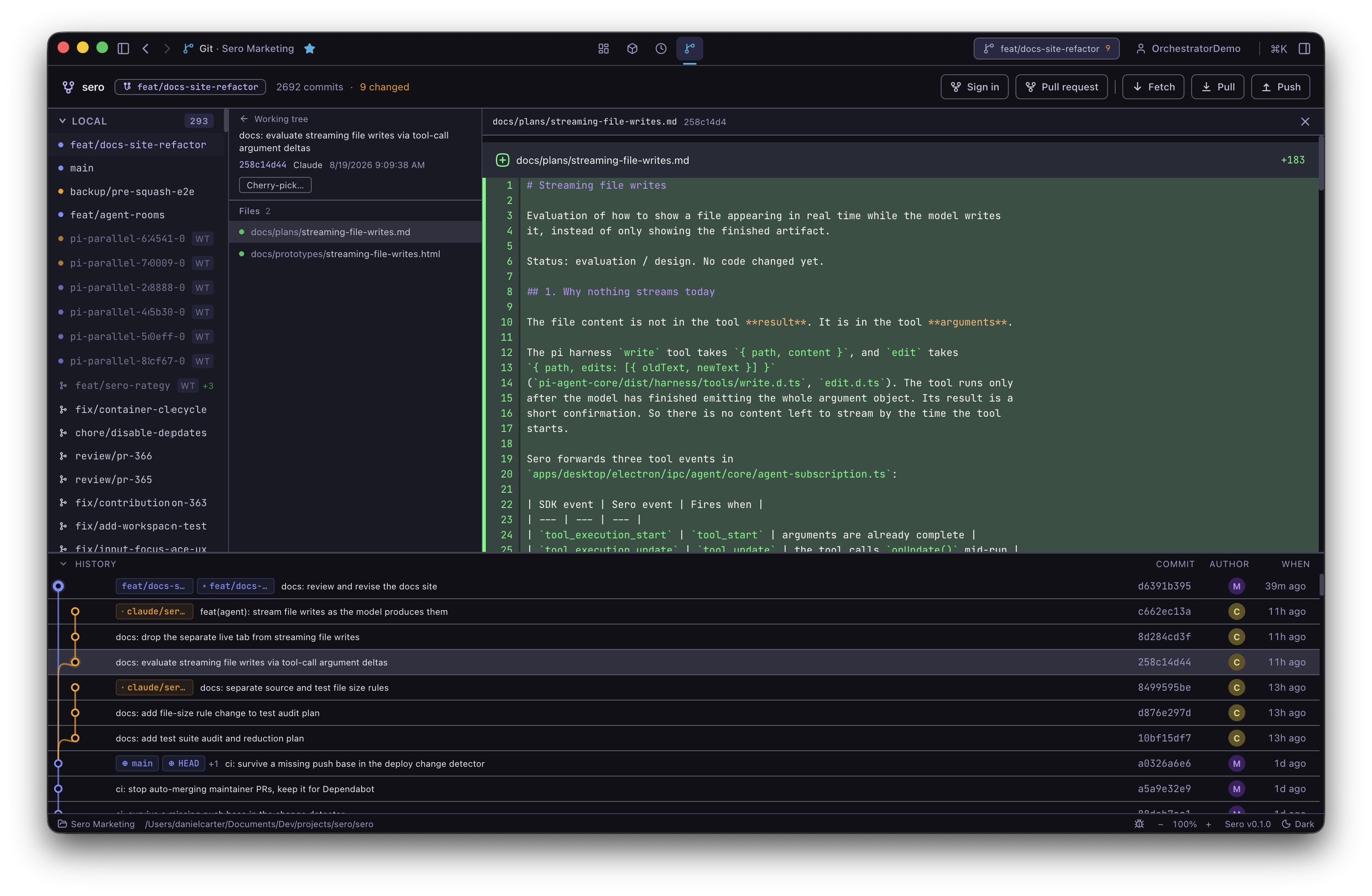
Graphify panel showing indexed workspaces and an agent answer based on graph search

Ask about your code, across repos.

Turn on Graphify for the workspaces you want Sero to understand. It reads each project once, stores a local map, then keeps it up to date after coding sessions without sending the whole codebase again. Ask things like “where is auth called?” or “how does checkout reach invoices?” and the agent can follow the links instead of guessing from a few files.

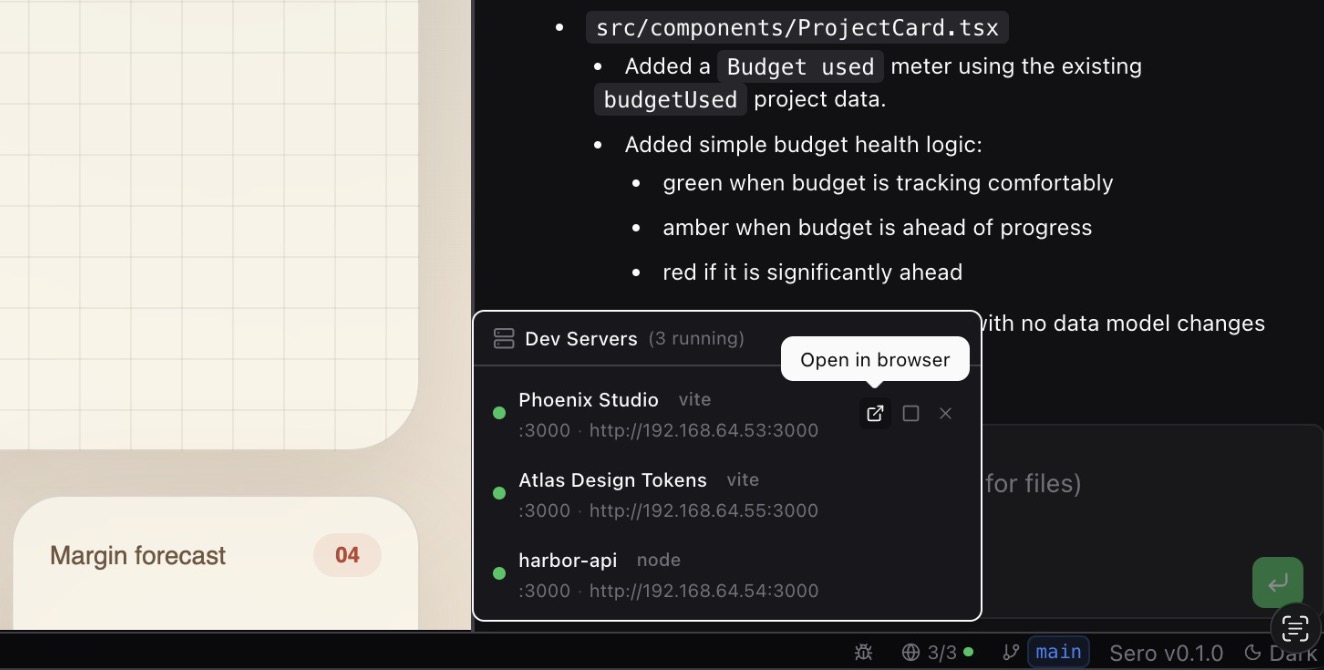
Dev Servers panel showing multiple projects running on isolated container-backed runtime addresses

Local development workspaces.

Use Apple Container or Docker/Podman for isolated container-backed projects, or explicit Host mode for direct local workflows where supported. Container-backed runtimes keep dev-server ports isolated across projects - no more juggling ports!

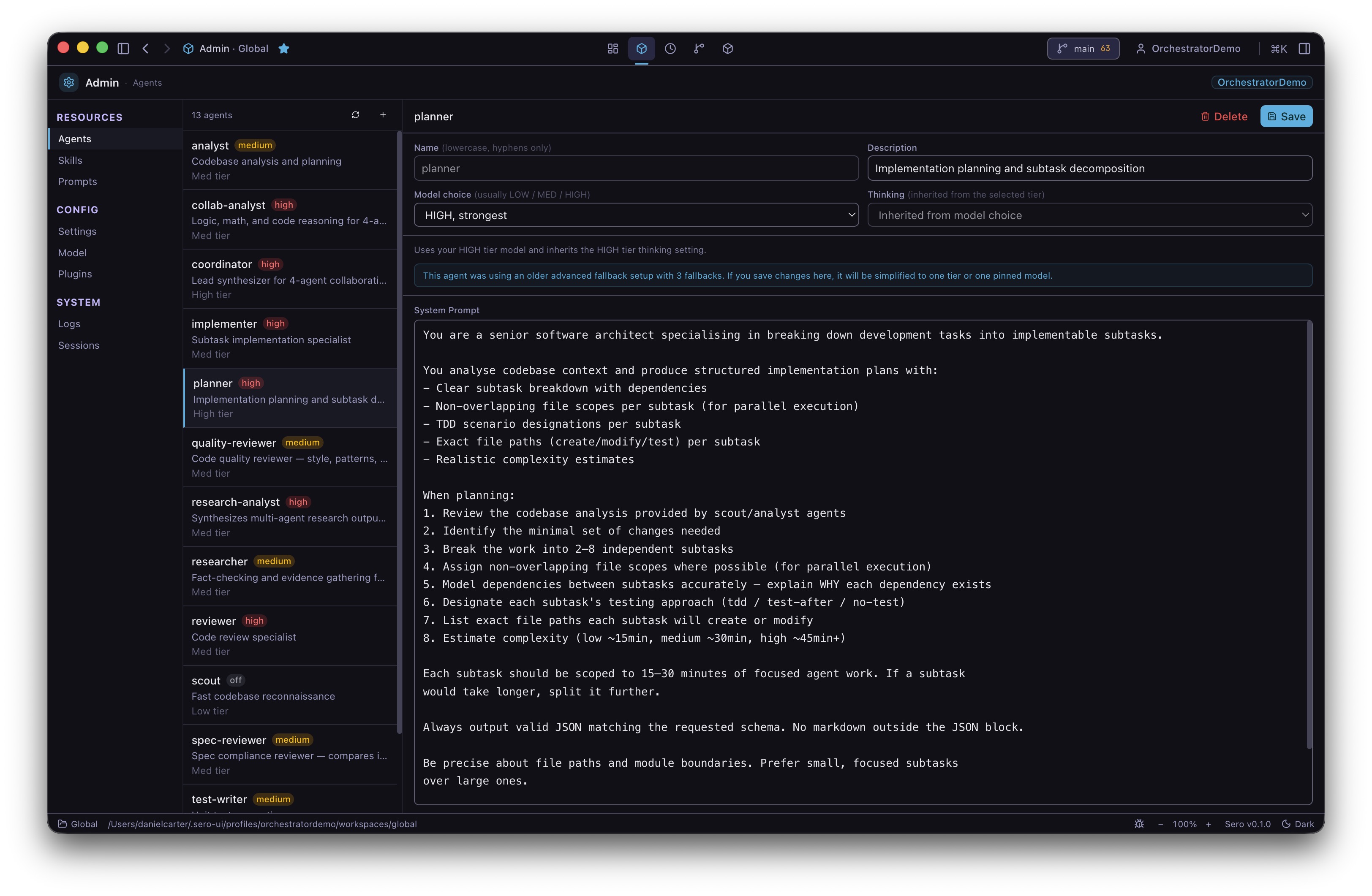
Admin panel showing a list of custom agent definitions with model and thinking tier badges

Built on Pi's agent harness.

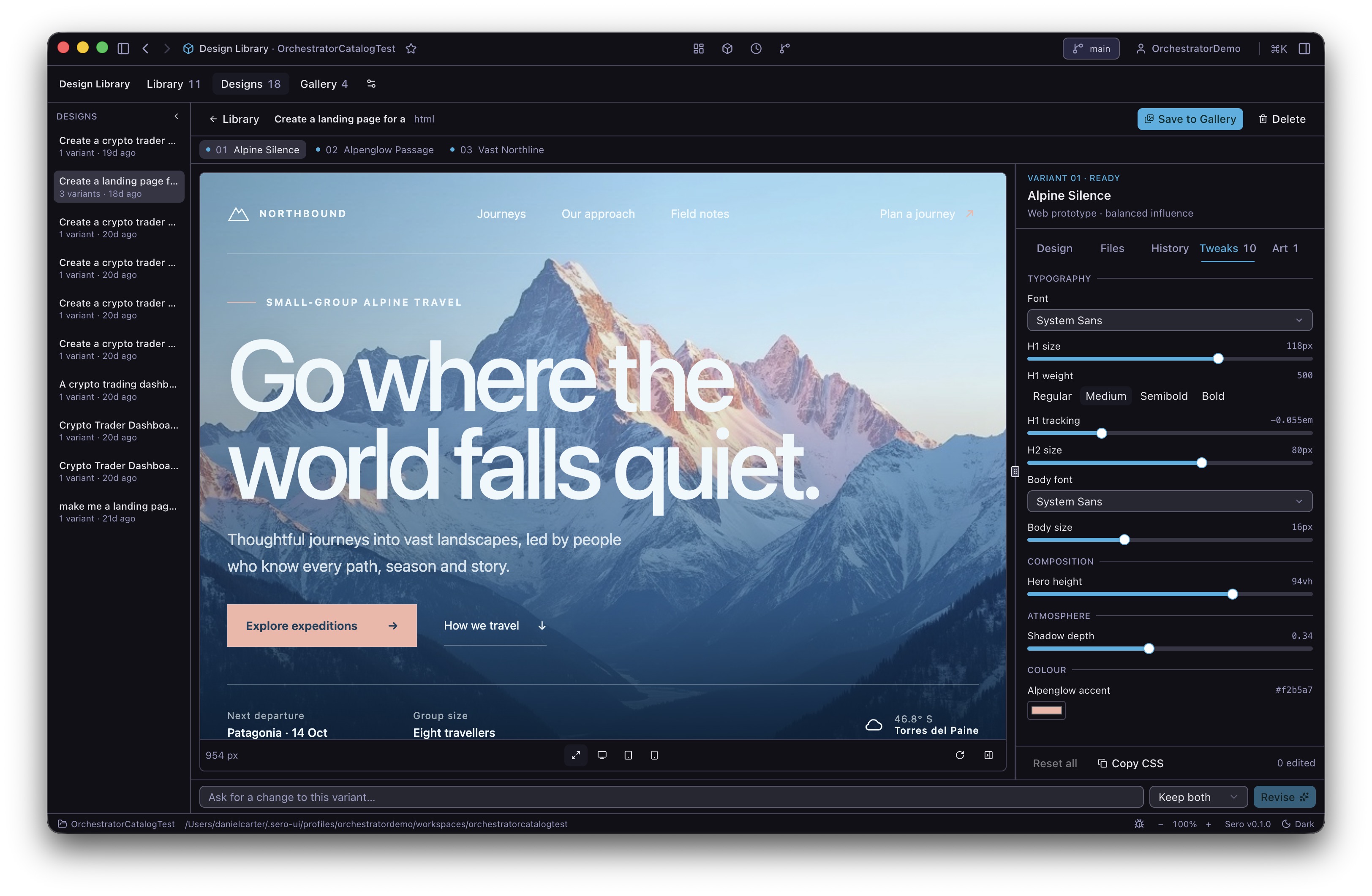
Sero builds on Pi's tools, skills, prompts, agents, and extension model — then adds a desktop workspace around them. Built-in specialists like scout, reviewer, and test-writer are plain Markdown files you can edit, customise, or duplicate.

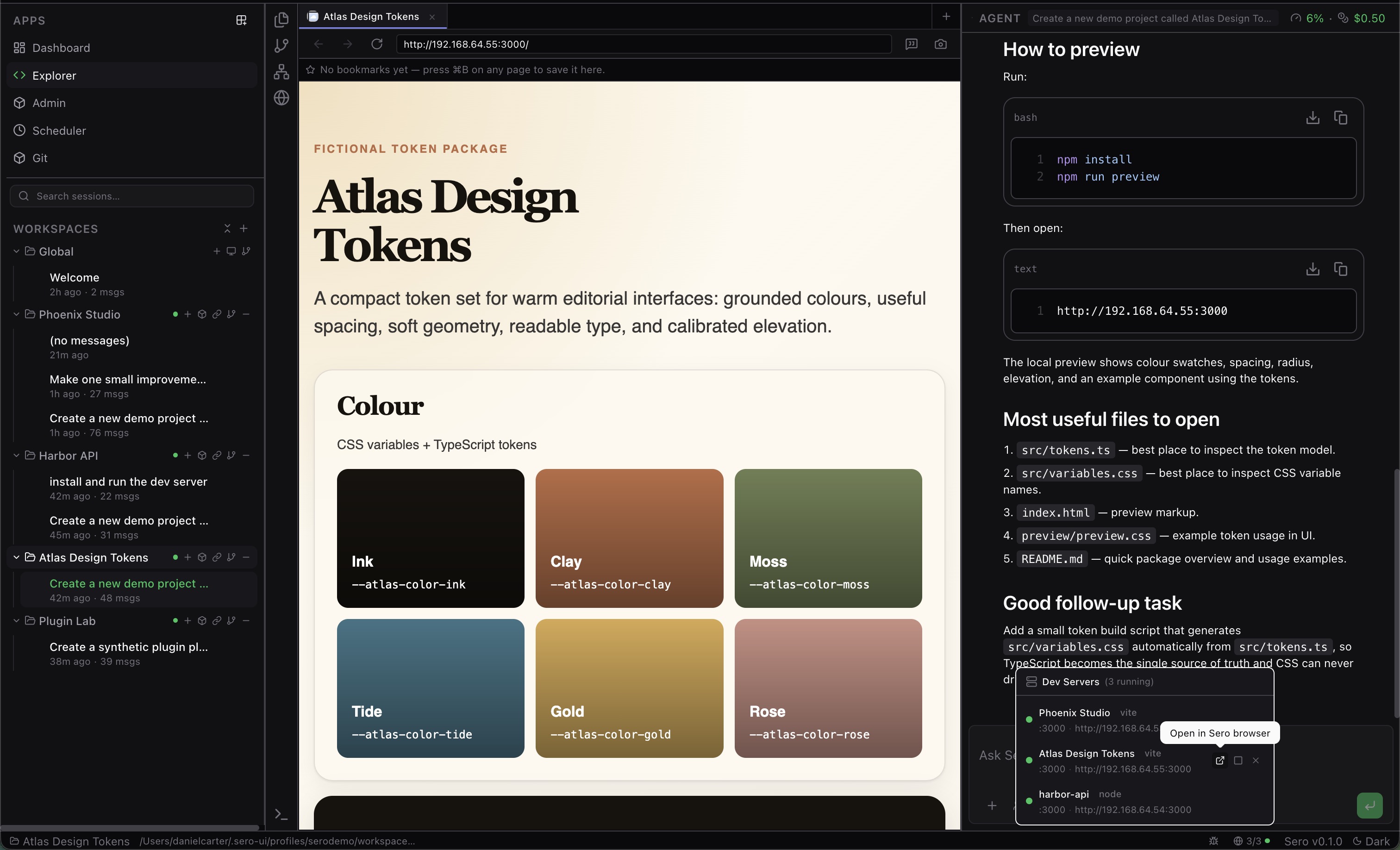
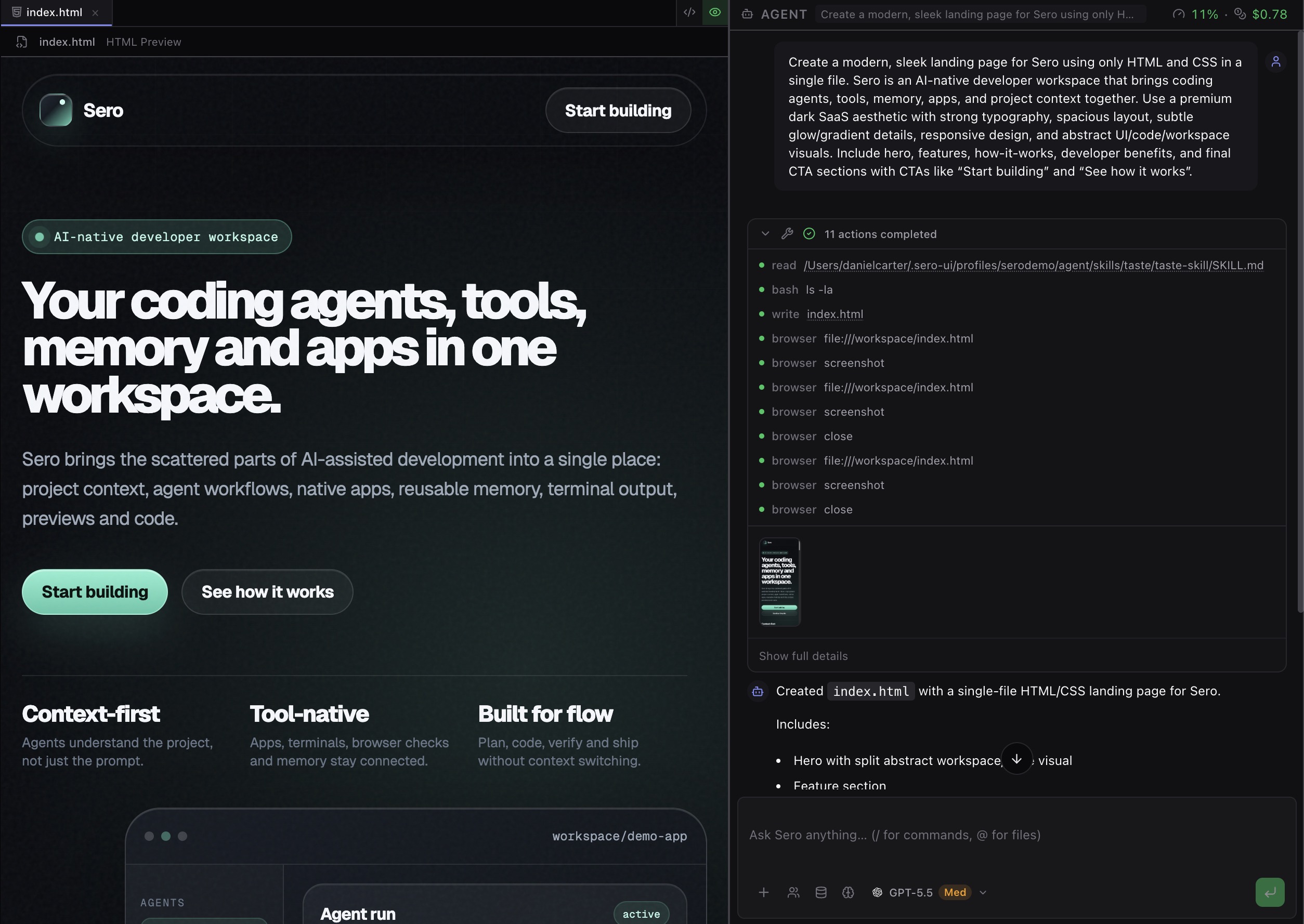
Sero workspace with the in-app browser showing a live dev server preview alongside the agent chat

The agent can see your running app.

With a container-backed runtime or a ready Host browser pack, Sero's built-in browser opens dev servers and any URL. The agent can take screenshots, record short clips, and check its own work visually — without you having to describe what you see.

§ 05 starting_abilities

useful from the start. yours over time.

[memory]

Identity, profile, long-term facts, daily logs.

[scheduler]

Recurring prompts and reminders.

[web]

Search, fetch, code lookup, bookmarks.

[git]

Branches, staging, commits, diffs, history.

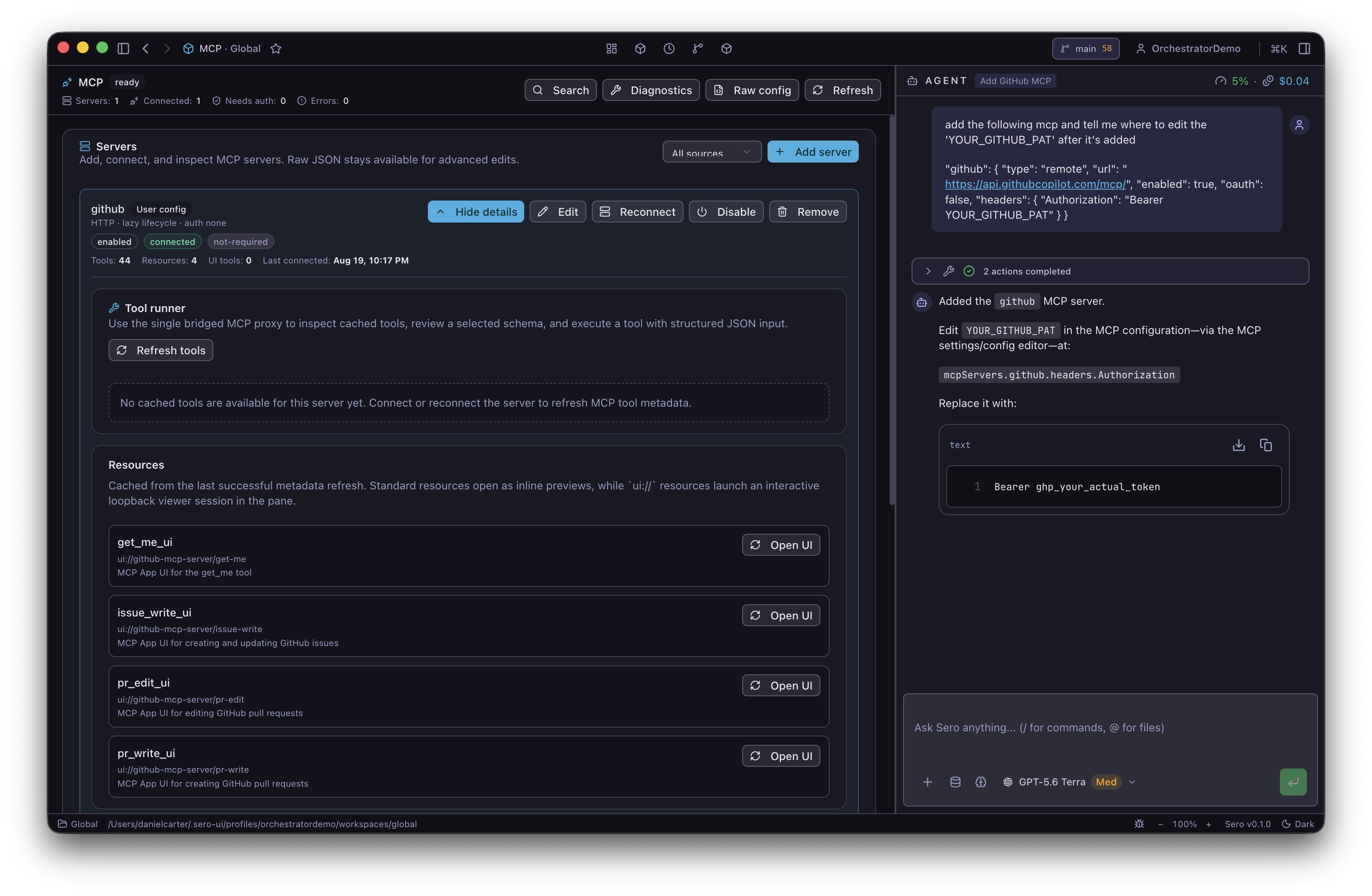
[mcp]

Connect external MCP tools and resources.

[admin]

Edit agents, skills, prompts, plugins, sessions.

§ 06 honest_beta

early, useful, built in public.

A local-first desktop workspace for macOS, Linux, and Windows — bringing coding agents, tools, memory, apps together as your work changes. Source-only OSS beta; runtime and plugin contracts will evolve.

$ sero --version
sero/0.x  pi-coding-agent  electron  react-19
source beta  macOS/Linux/Windows  local runtimes
§ 07 make_it_yours

make sero yours.

Start with a solid agent workspace. Add what you need as you go.